Shoot Mode
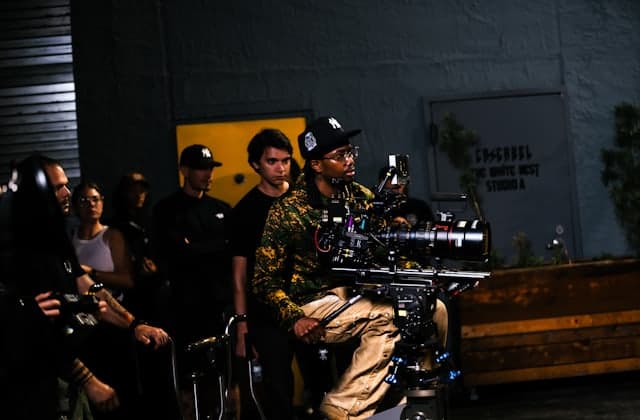
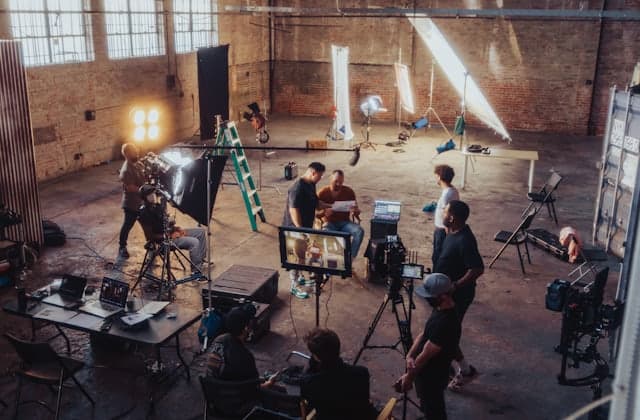
On set, open Shoot Mode on your phone. Shots are grouped by scene with their still, and one tap marks each Captured or Skipped, signal or not.
The shot list on your phone on set: progress, scenes, Captured or Skipped, offline.
- 01
Progress at a glance
See how many shots are captured and what's left, scene by scene.
- 02
Captured or Skipped
Open a shot to see its reference and production details, then mark it done or skip it.
- 03
Works offline
No signal in the basement? Keep marking shots. Everything syncs when you're back online.
Works well with shoot mode.
Shot lists
Shots with status, size, lens, FPS and talent, made from your references.
Offline and on your phone
Install it on your phone. It opens offline, and uploads wait for signal.
Creative Lock
Approved copies that stay put, and a warning when anything changes.
Plan any shoot:
Read next:
Straight answers.
Yes, for projects you've opened on the phone while signed in. Keep marking shots Captured or Skipped with no signal, and the updates sync when you reconnect.
No. Nugo runs in the phone's browser, and you can install it to the home screen like an app so it opens straight to your projects.
Plan the next shoot in one place, not across ten apps.
New commercial projects open with Brief, Creative Direction, Moodboard, Shot List, and Client Review already in place.